Fixed time clock or mobile time tracking? The pros and cons
Time registration is essential for accurate payroll and reliable workforce planning — but should your employees clock in via a traditional terminal, a mobile app… or both? Discover the advantages, the trade-offs and which option fits your organisation best.
For many organisations, time tracking is an essential part of basic administration. Companies working with fixed schedules, shifts or variable rosters simply can’t do without it. Without accurate time registration, you end up with:
- payroll that doesn’t add up
- planning you can’t trust
- no insight into workload or staffing levels
Time tracking is time intelligence in practice.
Good time tracking isn’t about control — it’s about clarity. It allows you to understand when teams peak, recognise when pressure becomes too high, and identify where time is lost. Moreover, organisations that work time-intelligently treat registrations not as a “control mechanism”, but as a foundation for calmer schedules, fairer distribution and fewer payroll discussions.
Because accurate information prevents problems later, consistent time registration is essential. Consequently, the next question becomes how employees should clock in. Should they use a traditional terminal, or a mobile app? Although both options have advantages, each also has limitations. Therefore, a comparison — and more importantly, a hybrid alternative — is essential to make the right choice.
The fixed terminal: classic and reliable
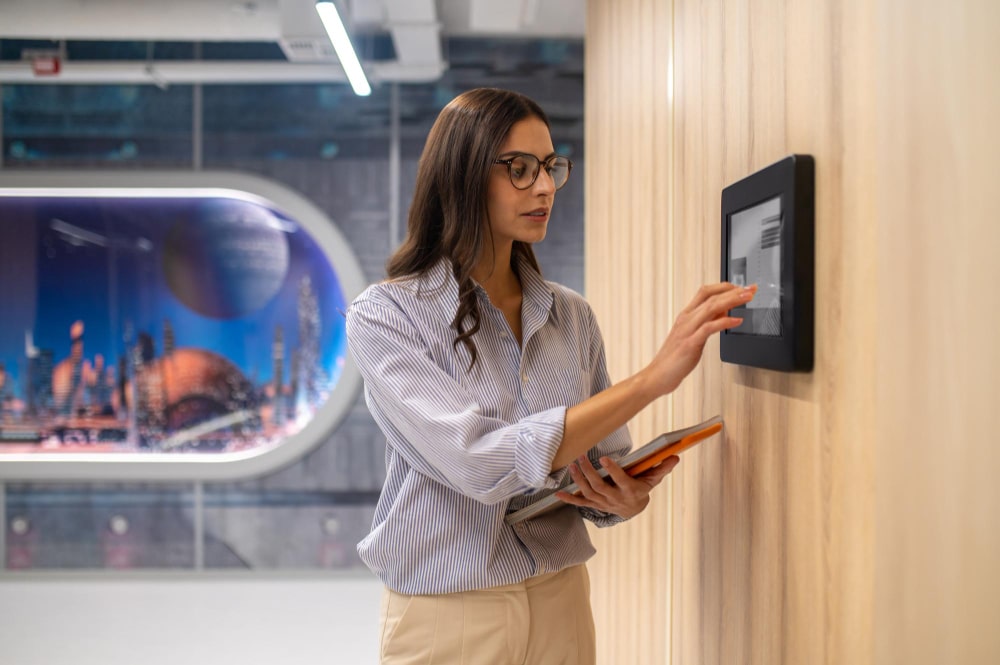
The time clock remains a workplace staple. Employees clock in via a fixed terminal using a badge, card or biometric scan. Despite the rise of digital tools, this method is still extremely popular. In fact, eight out of ten Belgian companies that register hours continue to rely on traditional systems — badges, time clocks, Excel or even paper lists. This demonstrates that, in many environments, stability still outweighs modern convenience.
Advantages
- Always available: one fixed location, no dependency on personal devices. Consequently, usage is straightforward and predictable.
- Highly reliable: robust and less prone to technical issues; furthermore, terminals typically require little user support.
- Clear and straightforward: employees always know where to clock in.
- Real-time insight: invaluable for planning in shifts, healthcare, logistics or production.
Disadvantages
- Not always fraud-proof: badges can be misused (buddy punching). However, biometric terminals significantly reduce this risk.
- Location-bound: employees must physically reach the terminal; therefore, it is unsuitable for mobile teams.
- Higher costs: hardware, installation, cabling and maintenance add up quickly.
- Limited flexibility: on the other hand, dispersed teams benefit far less from a fixed device.
Mobile time tracking: flexible, modern and fast-growing
Mobile time registration has surged in recent years. Thanks to cloud solutions, employees can clock in wherever they are — on site, on the road or at a customer location. Consequently, organisations with field teams gain both efficiency and visibility. In addition, mobile tools integrate naturally with digital workflows, which accelerates administrative processes.
Advantages
- Flexible and location-independent: ideal for care, construction, logistics, maintenance and field services.
- User-friendly: intuitive apps reduce friction and often support leave requests or overtime approvals.
- Budget-friendly: no physical terminals required; updates happen automatically. As a result, IT overhead remains low.
- Easy integrations: direct links with planning, payroll, billing or HR. Furthermore, data becomes instantly available across teams.
Disadvantages
- Technology-dependent: dead batteries, weak connectivity or app issues may interrupt registrations. Nevertheless, most issues can be resolved quickly.
- Not always fraud-proof: without GPS or geofencing, validating presence becomes harder.
- Privacy concerns: features like location tracking require transparent communication and correct configuration.
What suits your organisation best?
There’s no universal answer. The right choice depends entirely on your operational context. Therefore, the key is understanding how your teams work and which priorities — such as security, flexibility or cost — weigh the heaviest.
Choose a fixed terminal when…
- you work on one or more fixed sites
- everyone must be physically present
- safety and access control are crucial
- employees do not have smartphones or laptops
Choose mobile time tracking when…
- your teams operate across different sites
- employees work in the field
- hybrid work is common practice
- flexibility, speed and integration are priorities
Or choose a hybrid solution that works everywhere
Focusing solely on “terminal versus smartphone” doesn’t reflect reality. In practice, the biggest innovation in recent years is not that the smartphone replaces the time clock — that idea is misleading. Instead, the real breakthrough lies in systems that combine multiple registration methods into one central platform.
Modern organisations use a combination of on-site teams, field workers and hybrid employees. Consequently, expecting all of them to register time in the same way simply doesn’t work. A mobile app is perfect on the road but adds little value on a production floor. Conversely, a fixed terminal suits a central workspace but not mobile roles. As a result, the most effective solution is nearly always a hybrid one.
This is why Planpoint doesn’t promote one “best” method. Instead, it starts from reality: organisations need multiple ways to register time — all connected to one central system that collects, validates and processes everything.
Why Planpoint
Whether employees clock in via a smartphone, a simple kiosk, an existing terminal or a desktop, Planpoint merges everything into one validated stream of hours, work records and supplements. Moreover, all data follows the same rules, the same CBA settings and the same workflow. As a result, there are no scattered Excel files, no inconsistent CSV exports and no fragmented processes.
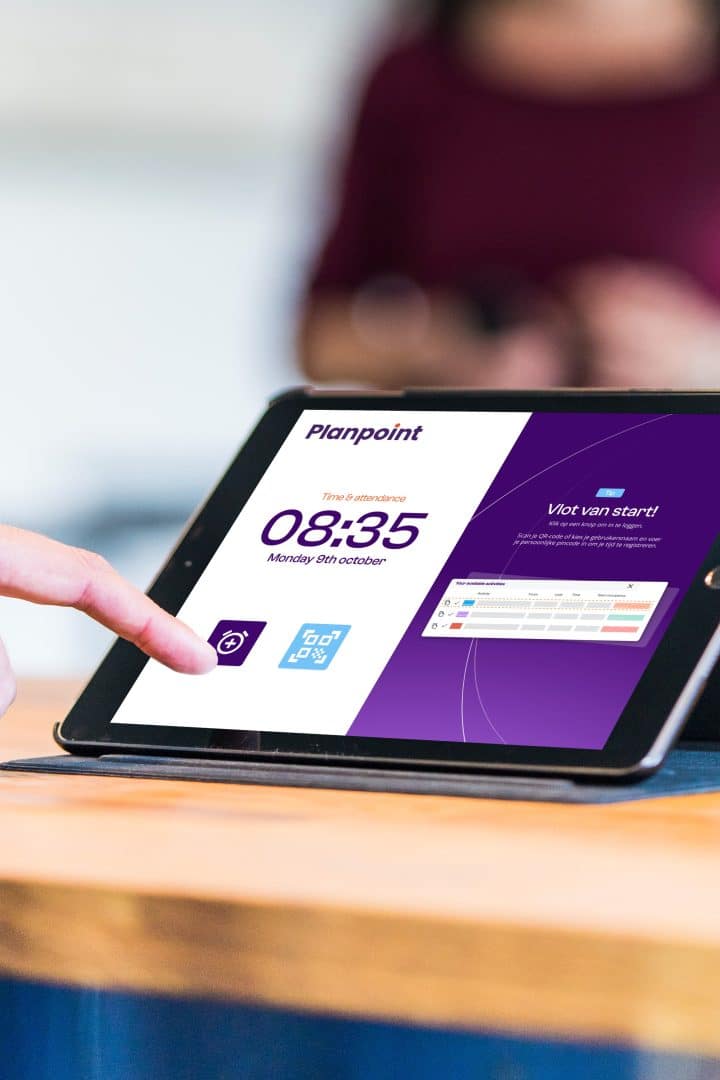
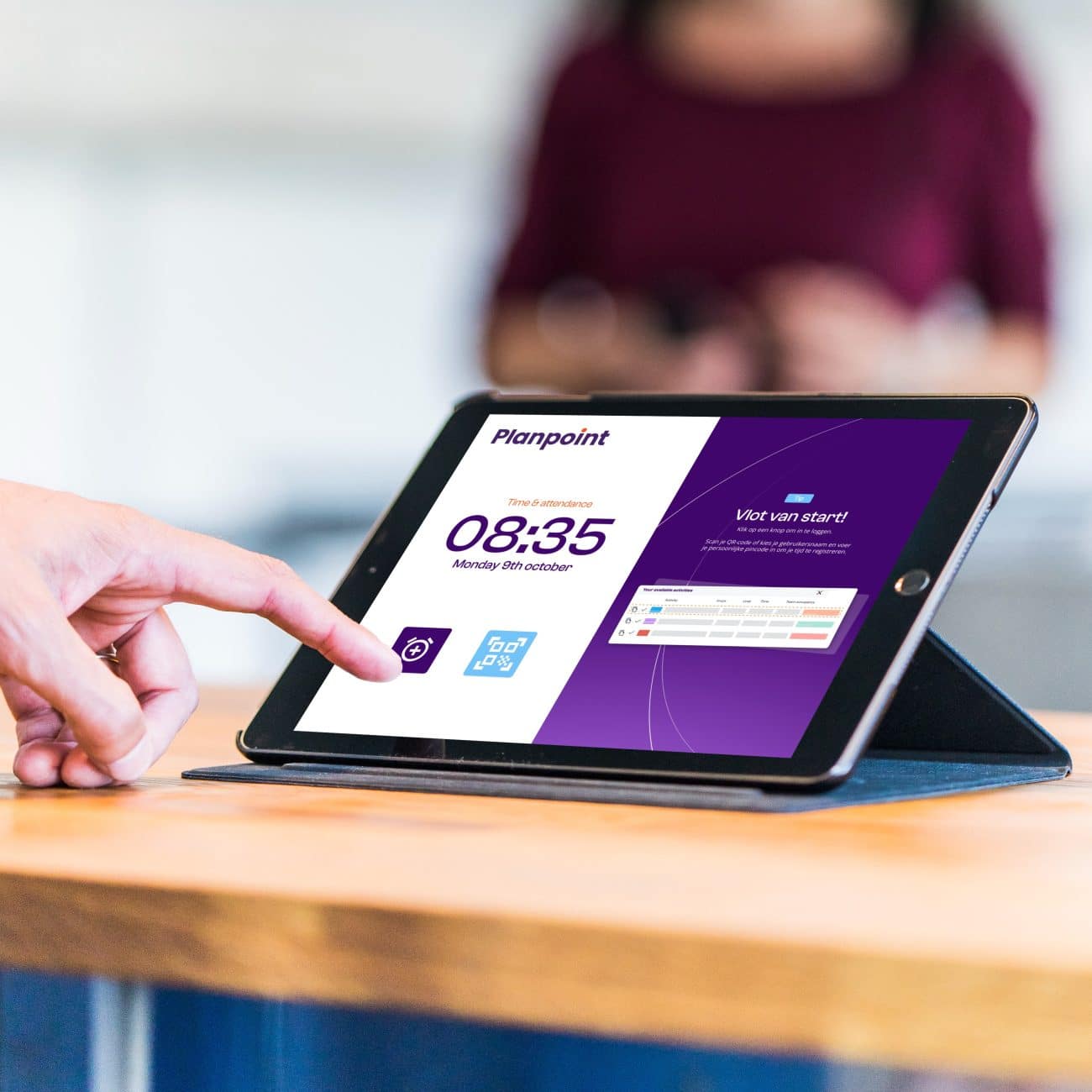
Importantly, existing hardware doesn’t need to be replaced. Traditional terminals remain fully compatible and can be integrated into a uniform flow. In addition, the kiosk provides a low-threshold alternative that doesn’t require expensive T&A hardware — ideal for smaller teams, receptions, back offices or compact locations.
Ultimately, Planpoint’s greatest strength is its integration. Time registrations feed directly into planning, workforce management and HR. Consequently, each registration moves automatically toward scheduling, payroll, reporting or invoicing — without duplicate entry or manual corrections.
In the end, it’s not about the smartphone replacing the terminal. Instead, it’s about having one platform that supports every form of time tracking. This gives employees the flexibility they need and gives organisations the control they rely on — without unnecessary complexity or double work.
Time tracking that fits every organisation
Let time registration finally work for your organisation. With Planpoint, you combine mobile time tracking, kiosks and terminals in one single system.