
Employee portal and mobile tools
Through the Planpoint employee portal, employees can view their schedules, balances, and availability. Request time off, swap shifts, and submit preferences. Fast, clear, and easy to use — anytime, anywhere.















Self-service = less administration
At home, on the go, or on-site: with Planpoint, employees always have real-time access to their personal schedule, leave balances, and pending requests. This means more autonomy for staff and less follow-up work for your HR department.
Boost mobile engagement
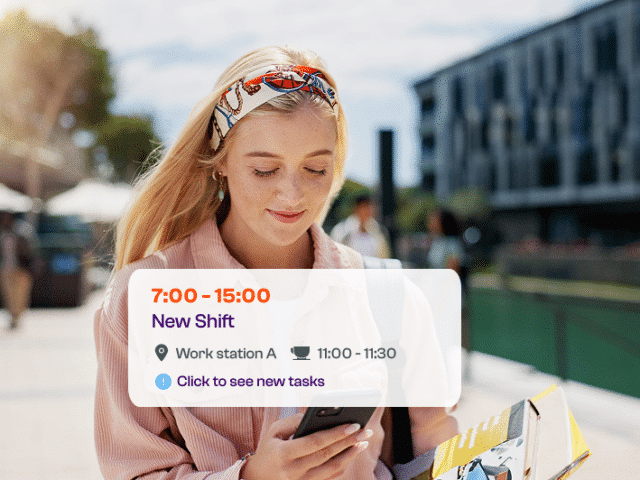
Schedules and balances always at hand — without extra work for planners. Through the mobile app or browser, employees can access their schedule anytime. They can view their roster, check team coverage, and track their balances — from vacation days to compensatory hours.
- Access schedules and hours anytime, anywhere
- View balances and planned absences
- Swap shifts, request leave, or submit preferences
- Fully aligned with roles, permissions, and workflows
- More autonomy for employees, less follow-up for planners
Maximum support
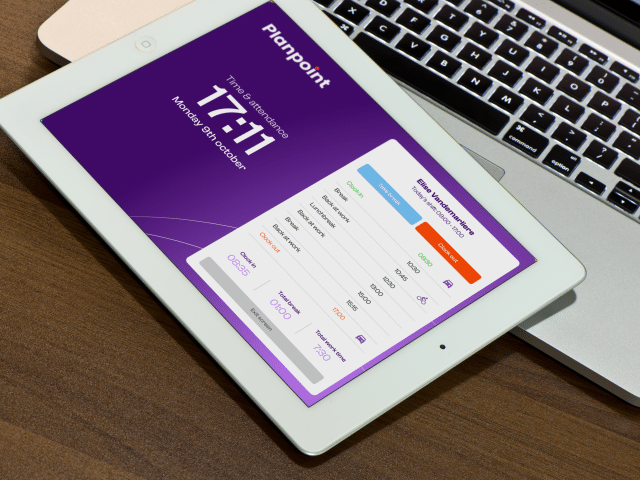
With Planpoint ESS, employees have more than just scheduling information. On site, they can record tasks, add notes or photos, and collect customer signatures — all directly from their smartphone.
- Complete tasks and add information on mobile
- Upload photos, documents, or evidence
- Notes and client details always available
- Access tailored to role and function
Your employees can work anywhere — well-informed and fully documented.
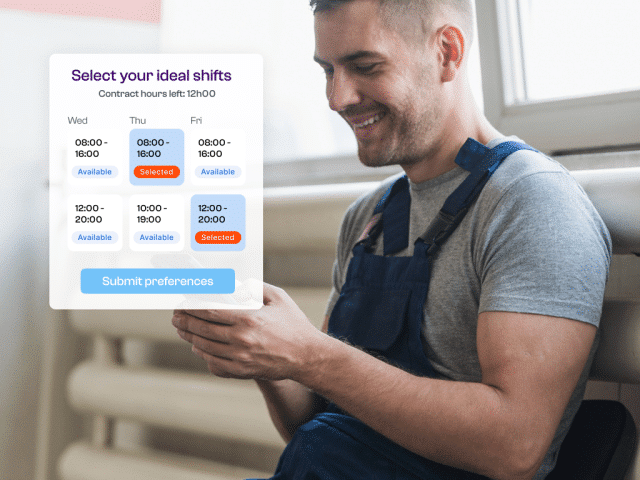
Online self-rostering
Flexibility and engagement, fully digitized. With Planpoint, employees submit their availability, indicate preferences, and select open shifts — all through the app or browser.
- Participate in the scheduling process from home or on the go
- Three phases: submit preferences, select shifts, final assignment
- Self-rostering per team or department
- Supports work–life balance and engagement
A more efficient and widely supported schedule — aligned with the reality of your workforce.
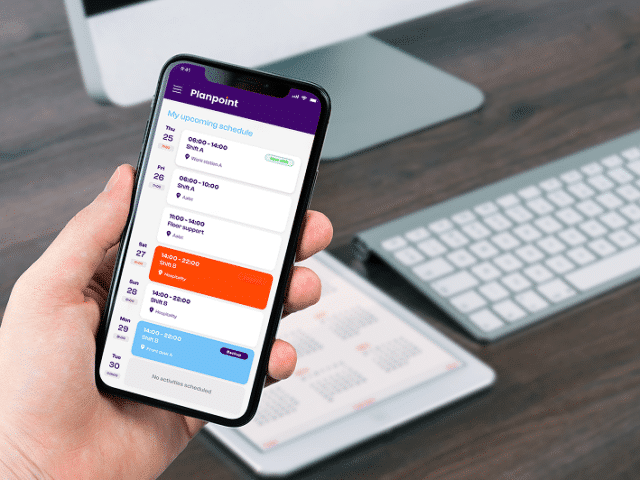
Everything within reach
One central place for everything employees need. The mobile app gives them access to all essential information required during their work: instructions, customer data, certificates, documents, and more — secure and easy to navigate.
- Everything in one place: documents, procedures, client records
- Accessible anytime on smartphone or laptop
- Integrated with HR & Talent for certificates and qualifications
- Information visible only to the right people
No scattered documents or duplicate administration anymore.
Why choose Planpoint?
With Planpoint, you empower your employees with smart tools that simplify their work—while optimizing your HR processes.
Always up to date
Smart self-service
All info at hand
Role-based access
Mobile tools
Less HR workload
All your workforce management tools within reach
Explore Planpoint’s key features—from scheduling and time tracking to HR and client management. You decide what you need.
Planpoint Kiosk
HR & Talent Management
Workload intelligence
Time Tracking
Workplace planning
Workforce Scheduling

Get in touch for a free walkthrough
Share your details and we’ll get in touch to arrange a free demo of workforce planning in Planpoint.
Learn more about WFM and planpoint

You can install software. Success is built together.

Stop guessing: how to plan based on staffing requirements

Fixed time clock or mobile time tracking?

What are the most common objections to self-scheduling?

Hidden signs your organisation is understaffed

Employee Self Service (ESS): everything you need to know

Time registration: What is it, and what are the advantages?

8 misconceptions about self-scheduling

Different planning methods in one software platform? Yes, it’s possible!

What is Workforce Management?

The power of effective workforce planning

8 signs it’s time for new workforce planning software

What are the WFM software must-haves today?

Are you still using Excel for your workforce planning?

5 excellent reasons to integrate your WFM software

From customer feedback to new Planpoint release
More about the Planpoint Employee Portal
What is Employee Self Service and what can you do with it?
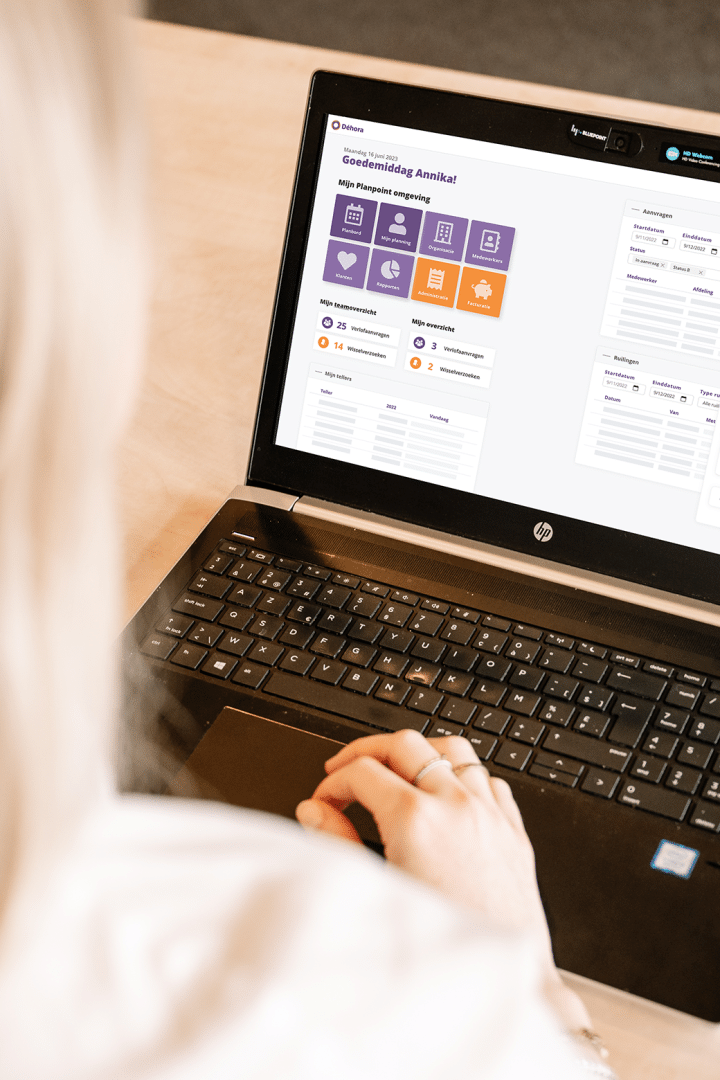
An employee portal, or Employee Self Service (ESS), is a digital environment where employees can access their schedule, leave balances, work shifts, and personal data. In Planpoint, they can also request absences, swap shifts, and track performance—via mobile or web.
With Planpoint’s employee portal, staff have everything they need to organize their workday efficiently. They can:
- View their personal work schedule
- Check team schedules
- Track leave balances and worked hours
- Request absences or submit preferences
- Swap shifts with colleagues (depending on their role)
- Receive notifications about schedule changes
Can you view your work schedule on your smartphone with Planpoint?
Absolutely! With the Planpoint app, employees can access their personal and team schedules on their smartphone or tablet—anytime, anywhere. Whether they’re on shift or working on-site with clients, the schedule is always available.
Planpoint works on both Android and Apple devices, with a web version available for other platforms.
How does self-service and self-scheduling work for employees?
In Planpoint, self-scheduling follows three clear phases, giving employees step-by-step involvement in planning—without planners losing control.
Phase 1 – Submit availability
Employees indicate their availability via the app or web portal. This forms the basis for building the schedule.
Phase 2 – Choose shifts
Once open shifts are published, employees can select the ones they want to work—within the boundaries set by the organization. Planpoint shows clearly which changes are possible and their impact on schedules and coverage. Important: the schedule can only be improved, never worsened.
Phase 3 – Review and finalize
The planner or team lead reviews the draft schedule, makes adjustments if needed, and finalizes it. The result: accurate, balanced, and workable planning.
This approach gives employees autonomy and flexibility while maintaining quality and oversight. Planpoint supports each step digitally and transparently—ideal for teams working together on an efficient, accepted schedule.
Can employees swap shifts or submit preferences in the app?
Yes. Depending on their role, employees can use Planpoint to submit preferences, request leave, or swap shifts. All requests are automatically forwarded to the planner or supervisor.
Is an employee portal secure for sensitive data?
Yes. Planpoint uses role-based access, so employees only see what’s relevant to them. All data is managed securely and in compliance with GDPR privacy regulations.
What’s the difference between an employee portal and self-service HR tools?
In practice, there’s little difference. However, Planpoint’s employee portal combines classic HR self-service with practical tools for scheduling, time tracking, and communication. This ensures every employee has access to the information that truly matters.